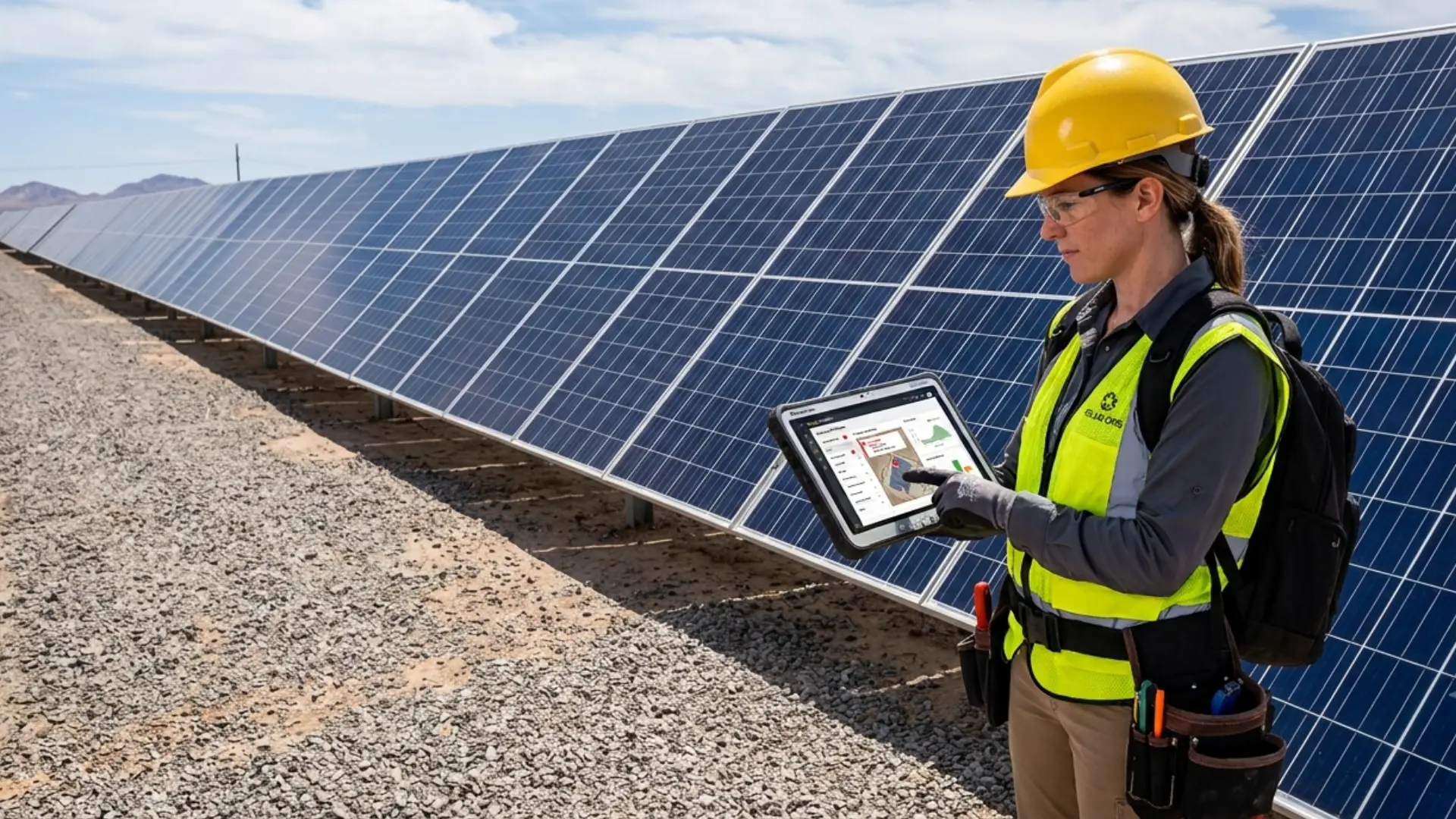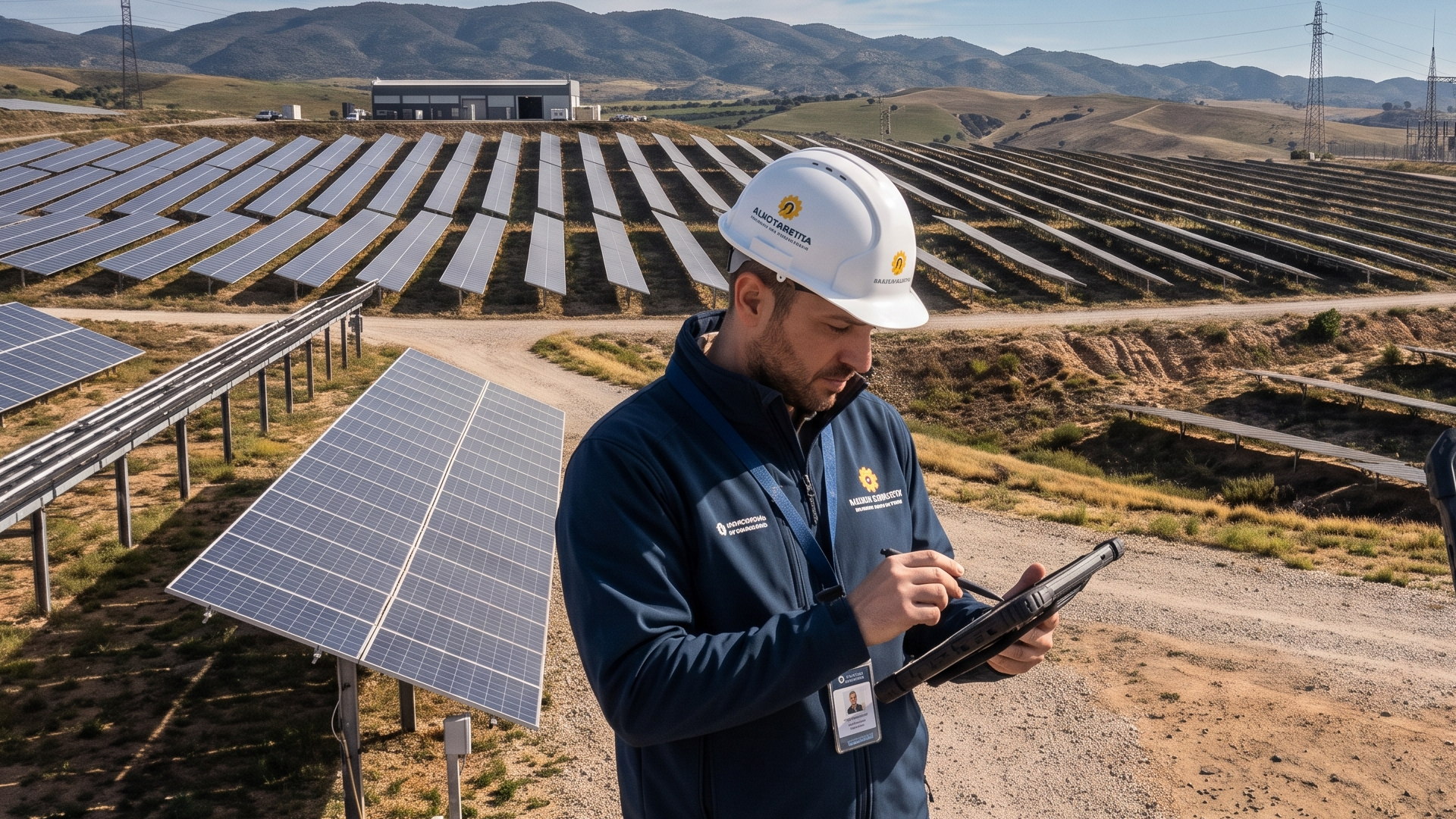
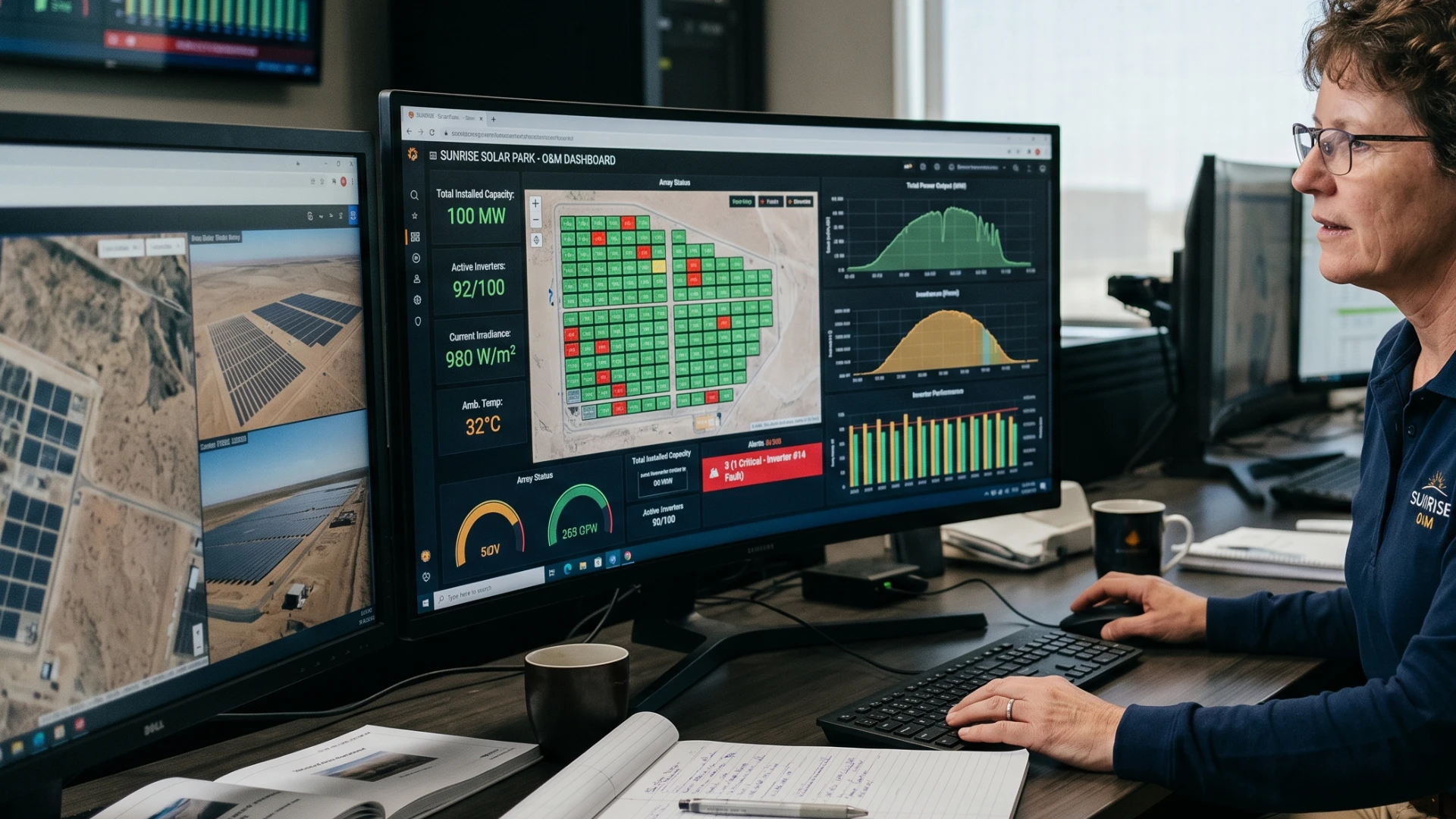
Most MTTR numbers in solar O&M are wrong. Not by accident — by design gap. A SCADA alarm fires at 09:14. Someone sees it at 09:27. The work order gets created at 09:41. Twenty-seven minutes have vanished before your benchmark clock even starts. Across a multi-site portfolio, that invisible delay compounds into systematic response lag and metrics that look cleaner than your operation actually is. SCADA work order automation built inside Microsoft 365 closes this gap at the source — no email thread, no manual entry, no human handoff required. This article shows exactly how.
The Alarm Gap — Why Your MTTR Clock Starts at the Wrong Moment
Mean Time to Repair is the O&M industry's primary performance benchmark. It is also, in most unintegrated operations, quietly wrong.
SCADA detects faults with millisecond precision. Then the alarm exits the console — and precision stops. A technician sees it when they next check the screen. Acknowledges it when they decide it warrants action. Creates a work order in whatever system they use — email thread, shared spreadsheet, or a legacy CMMS that connects to nothing else. Each handoff burns minutes.
In unintegrated operations, the gap between alarm generation and work order creation sits at 15 to 90 minutes. In a worst case — alarm fires at 23:00, operator logs it at 07:30 the next morning — that gap is eight hours. Your MTTR calculation has no idea any of this happened.
Two consequences. First: your MTTR figures are flattering. The clock starts at work order creation, not at fault detection. Second: response is genuinely slower because no automated mechanism exists between alarm and action. Your technicians move fast. The process around them doesn't.
Fixing this means connecting SCADA output directly to work order creation logic — automatically, the moment the alarm fires.
What SCADA-to-Microsoft 365 Integration Actually Looks Like
Most SCADA systems deployed across European solar portfolios expose alarm and telemetry data through one of three standard protocols: OPC-UA, Modbus TCP, or REST/MQTT APIs. Each provides the structured event data that a downstream workflow needs to act. For a broader view of how Microsoft 365 CMMS architecture works in solar O&M, see our pillar article on the topic.
The bridge between SCADA and Microsoft 365 runs through one of two paths, depending on the SCADA platform's output capabilities:
Azure IoT Hub handles high-frequency telemetry and normalises raw device data into structured events before passing them to Power Automate. Use this when dealing with continuous sensor streams, when data transformation is required, or when the SCADA system doesn't emit structured HTTP payloads.
Direct HTTP trigger is the simpler path when the SCADA platform already emits structured JSON payloads on alarm events. Power Automate's built-in HTTP trigger receives it directly — no IoT Hub layer needed.
In both cases, the event arrives in Power Automate carrying what the workflow needs: fault code, asset ID, alarm severity, site ID, and an ISO 8601 timestamp generated by the SCADA system at fault detection. That timestamp is what makes MTTR trustworthy. Machine-generated — not the moment a technician noticed the alarm, but the moment the fault occurred.
How Power Automate Creates a Work Order from a SCADA Event
The flow operates in five stages. Each one executes without human intervention.
Stage 1 — Trigger and validation
The flow activates on the incoming HTTP request or IoT Hub event. A condition block checks that the required fields are present — fault code, asset ID, severity, timestamp. Malformed events route to a dedicated error log in Dataverse. Nothing gets silently discarded.
Stage 2 — Classification
A switch block evaluates alarm severity against your classification matrix. Critical alarms — inverter trip, generation loss, ground fault — get immediate work order creation with simultaneous escalation. Advisory alarms go to standard priority. The matrix lives in a Dataverse configuration table. O&M managers adjust thresholds without touching the flow.
Stage 3 — Record creation
Power Automate creates a new Work Order row in Dataverse, populating:
- Asset ID and site reference (resolved via lookup against the asset register)
- Fault code and alarm description (passed directly from the SCADA payload)
- GPS coordinates (drawn from the asset register record, matched by asset ID)
- SCADA alarm timestamp (stored in a dedicated field — this is the MTTR start time)
- Work order creation timestamp (system-generated — the delta between these two values is the measurable alarm gap)
- Priority classification (from Stage 2)
- Initial status: Open
The MTTR clock starts at the SCADA alarm timestamp. That's the entire point. Every KPI report and every SLA review reflects when the fault happened — not when someone got around to logging it.
Stage 4 — Assignment
Power Automate queries the technician territory and availability table in Dataverse, matches the site to the responsible engineer, and writes the assignee to the record. The technician immediately gets a Teams notification: work order reference, fault description, asset location, and a direct link into the Five Hundred form. No separate login. No system-switching.
Stage 5 — Escalation
A parallel branch sets a timer against the SLA response threshold for the alarm classification. If the work order hasn't moved to In Progress by that threshold, a second flow fires — Teams alert to the O&M manager, flag in the Power BI SLA dashboard.
Dataverse as the Single Record of Truth for Solar Work Orders
Dataverse isn't a database bolted onto Microsoft 365. It's the foundational data layer Power Apps, Power Automate, and Power BI operate on natively. For solar O&M, that means every work order the SCADA integration creates, every technician update, every parts entry, every closure record — one structured repository, inside the client's own Azure tenant.
Three things matter most for maintenance operations:
Row-level security via Entra ID means technicians see their territory, O&M managers see their portfolio, executives see aggregated metrics. Access controlled by Entra ID group membership — the same identity layer already governing the rest of the M365 environment. No extra provisioning. No separate permission system.
Full audit trail by default. Every status change, field edit, and closure entry is logged with user identity and timestamp. Dataverse's default behaviour — not a configuration task. For IEC 62446 documentation, this gives you a machine-generated, tamper-evident maintenance history on demand.
Native Power BI connectivity means work order data flows into reporting without export steps, ETL pipelines, or third-party connectors. A dashboard reading from Dataverse reflects the current state of the work order table in near real time.
The alternative — email, spreadsheets, disconnected platforms — produces the opposite. Data in multiple places. Ownership unclear. The audit trail is whatever someone typed in an email subject line.
Assignment, Escalation, and Closure — Closing the Loop
Automating work order creation but leaving assignment, escalation, and closure to manual processes solves the easiest part of the problem. Five Hundred handles the full cycle.
Assignment runs on territory and skill matching. Each site is mapped to a primary technician and a backup. When the work order is created, assignment logic reads technician availability from Teams presence. Primary unavailable — the backup gets it automatically.
SLA escalation runs as a parallel time-boxed process. Critical alarms: two-hour response SLA. Advisory alarms: same business day. If the work order status isn't updated within the threshold, the escalation flow fires. O&M manager gets a Teams alert, the work order is flagged in the Power BI SLA view. Every escalation event writes back to the record as a timestamped log entry.
Closure captures resolution code, parts consumed, actual on-site time, and technician notes. All mandatory before a work order can be set to Closed. The completed record feeds directly into Power BI for MTTR calculation, first-time fix rate analysis, and parts consumption reporting — no manual aggregation.
What This Means for MTTR Benchmarking
When SCADA alarms generate work orders automatically and the machine-stamped fault timestamp is embedded from the moment of creation, MTTR becomes a calculable fact — not an approximation.
The calculation: MTTR = sum of actual repair time ÷ work orders closed. Actual repair time = closure timestamp − SCADA alarm timestamp. Every variable is system-generated, stored in Dataverse, and available for audit.
For SLA reporting, investor performance disclosure, and IEC 62446 documentation, this matters. When an asset manager asks for MTTR by site, fault category, or inverter type, the answer is a Power BI report — not a spreadsheet assembled from memory.
SCADA work order automation doesn't just reduce response time. It makes response time measurable — with the same precision the original alarm had. The precision unintegrated operations always discarded before anyone could use it.
FAQ
Can Microsoft Power Automate connect directly to SCADA systems?
Power Automate connects to SCADA systems via HTTP triggers, which receive structured alarm payloads from platforms that support REST or webhook output. For high-frequency telemetry streams or systems that require data normalisation before business logic can act on them, Azure IoT Hub serves as an intermediary layer before the Power Automate flow processes each event.
How does Dataverse store work order data from automated SCADA events?
Power Automate creates a structured Dataverse row for each SCADA-triggered event, populating fields including asset ID, fault code, alarm timestamp, GPS coordinates, and priority classification. The SCADA alarm timestamp is stored in a dedicated field, separate from the work order creation timestamp — this separation is what enables precise MTTR calculation from actual fault detection rather than from manual work order entry.
How does SCADA integration reduce MTTR in solar O&M?
SCADA integration eliminates the human-mediated delay between alarm generation and work order creation — typically 15 to 90 minutes in unintegrated operations. Because the Power Automate workflow creates the work order immediately on alarm receipt and anchors the MTTR clock to the SCADA alarm timestamp, response time is measured from the actual fault event rather than from when a technician manually logged the issue.
Conclusion
The alarm gap is a structural problem. It inflates MTTR, delays field response, and makes your performance data look cleaner than the operation deserves. Power Automate closes the event-to-workflow bridge. Dataverse provides the auditable record SLA reporting and IEC 62446 compliance require. Teams closes the loop with field technicians in real time — all inside the client's own Azure tenant. No third-party cloud dependency. No recurring SaaS bill.
For the five-year financial case behind a CAPEX platform, see the TCO model every Finance Director should run →
See the Five Hundred module architecture →